Look up. Your words will wait.
TeleprompterThis turns your iPad into a teleprompter and your iPhone into its remote. Read naturally, keep eye contact, and never lose your place.
Made for the glass.
Put your iPad under a beam-splitter rig and turn on Mirror. The text flips on the screen so it reads the right way round on the glass, right in front of the lens.
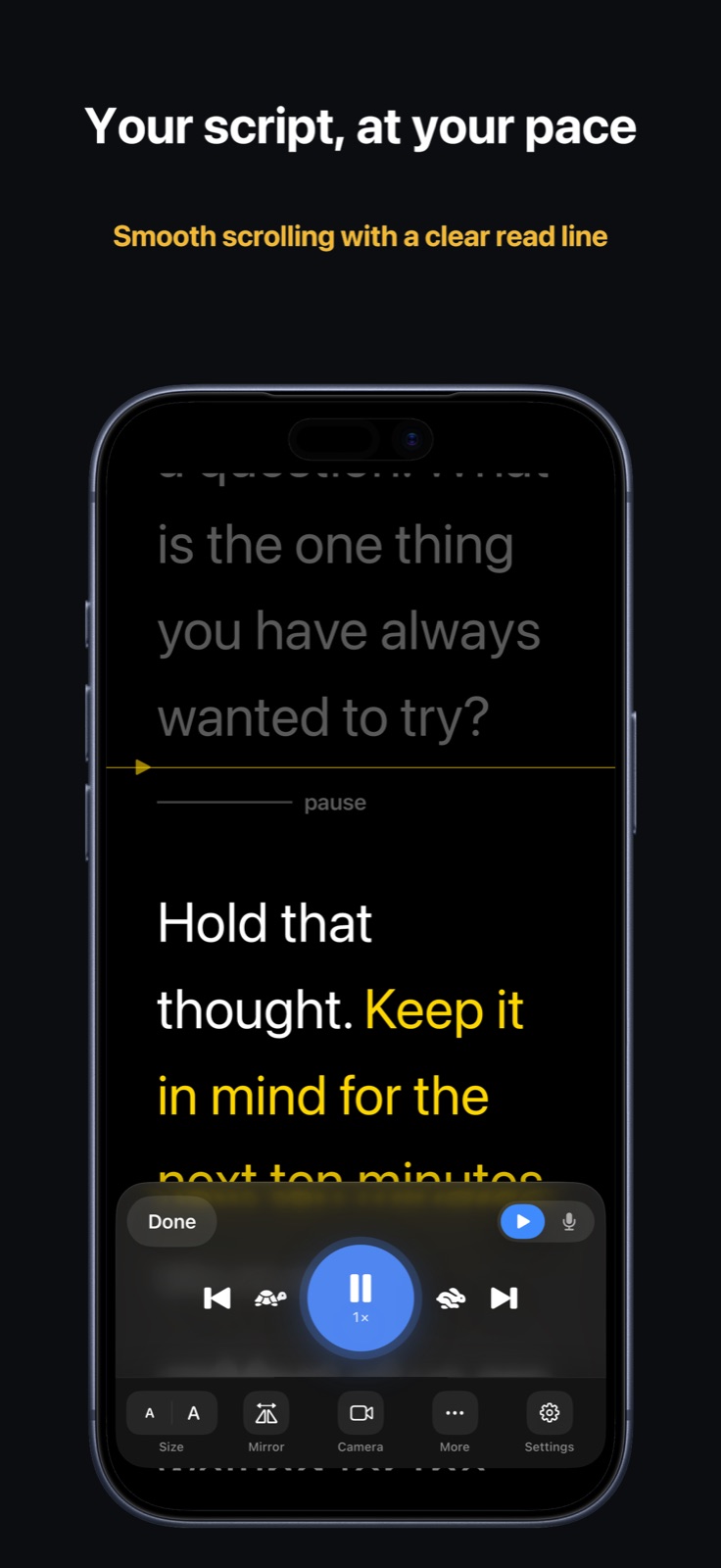
- Smooth 120 Hz scrolling past a gold read line
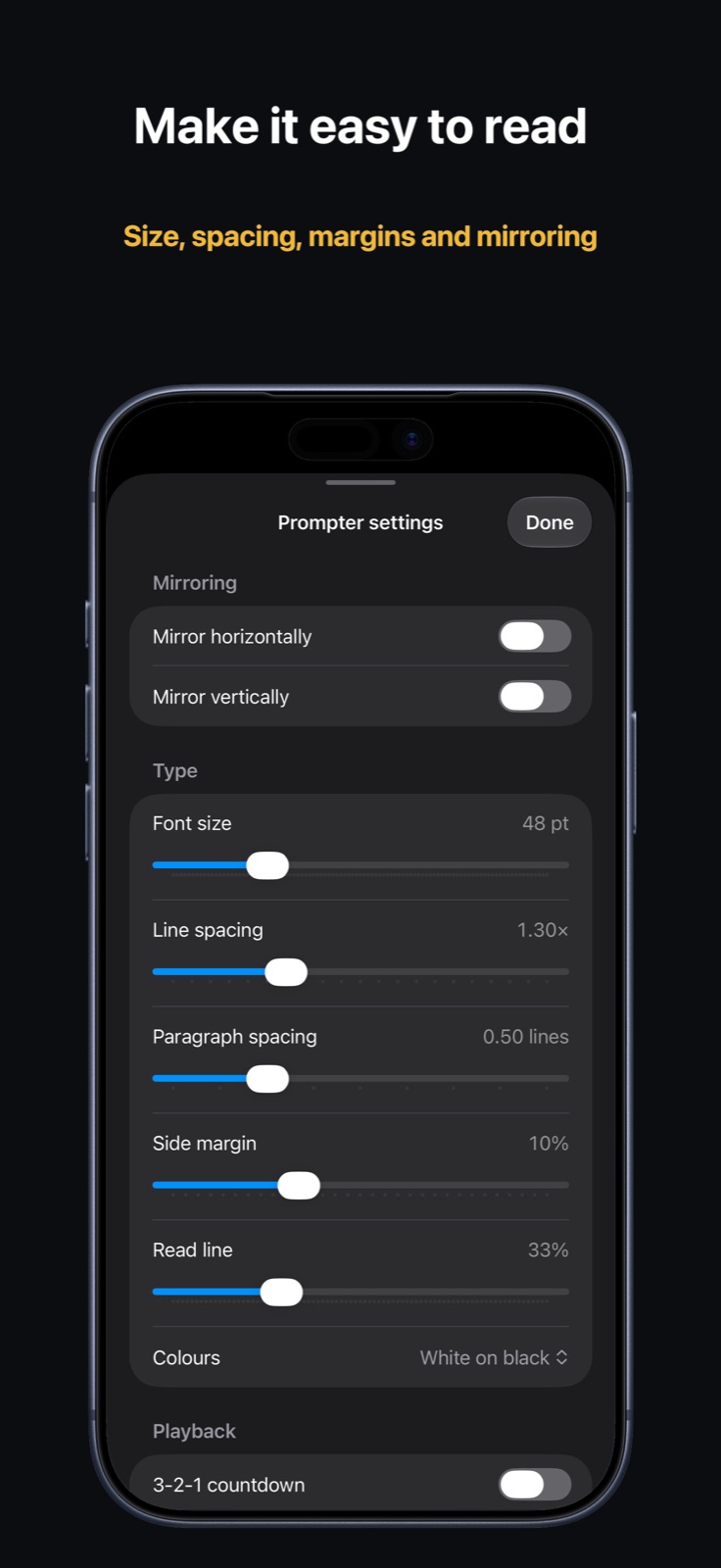
- Text size, line and paragraph spacing, margins and read-line height
- Mirror horizontally or vertically for any rig
- Tortoise and hare to set your pace, from 0.2× to 1×
Your iPhone runs the show.
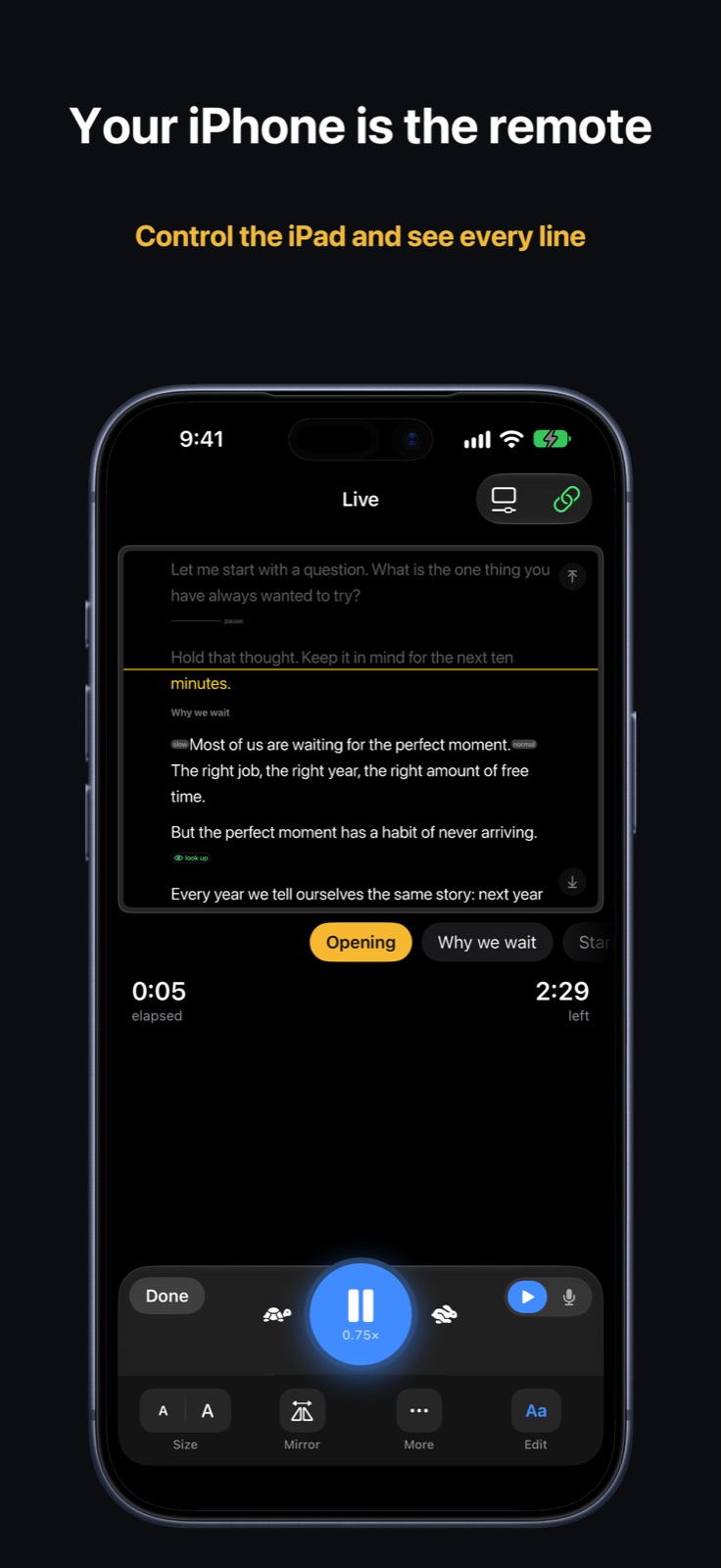
Link your iPhone and it shows every line the iPad shows. Start, pause, change speed or jump to the next section from across the room. Edit a typo on the phone and it changes on the iPad as you watch.
It listens, and keeps up.
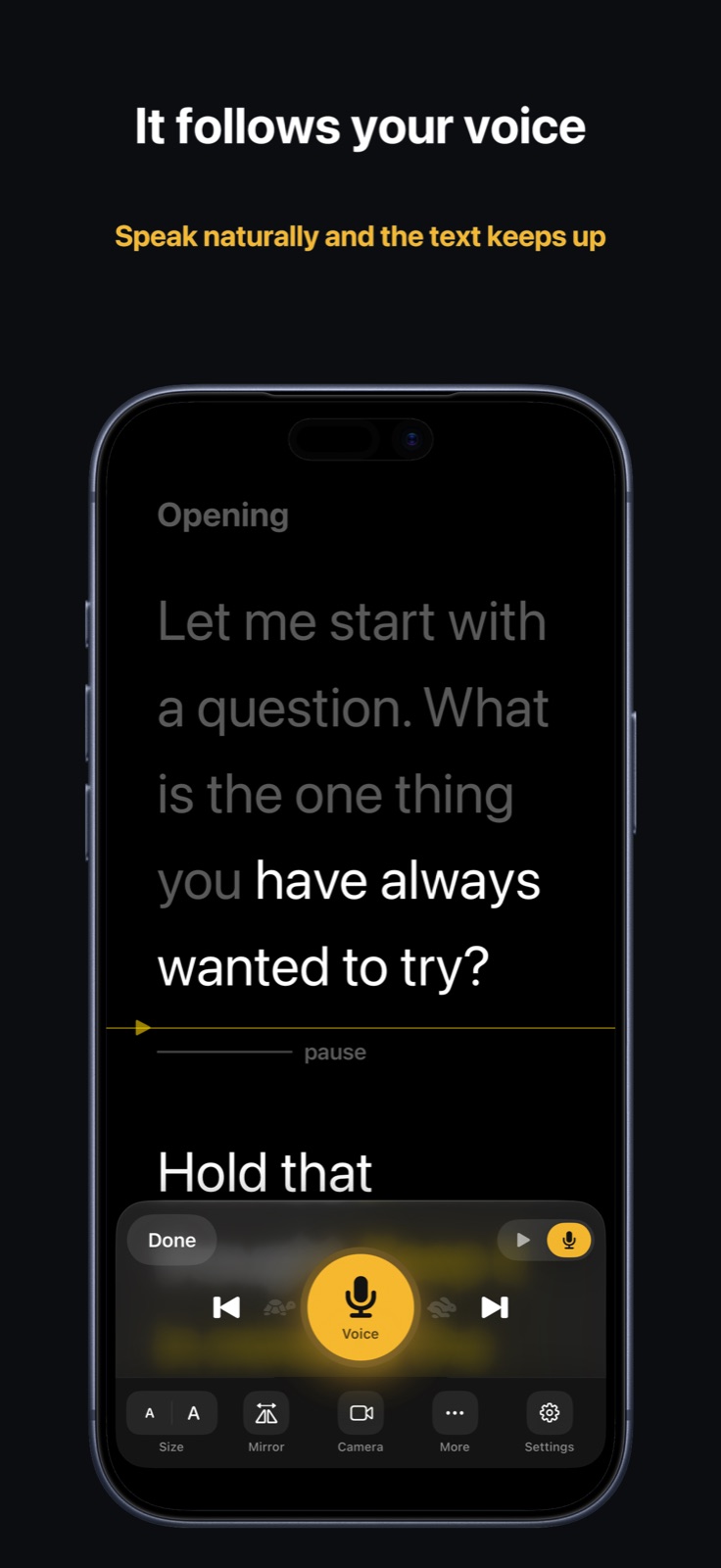
Talk the way you talk. Speed up, slow down, stop to answer a question; the script follows your voice and waits for you. Words you've already said fade, so your eye always lands on the next one.
Speech is recognised on the device. AirPods and other Bluetooth mics work too.
Mark how to say it.
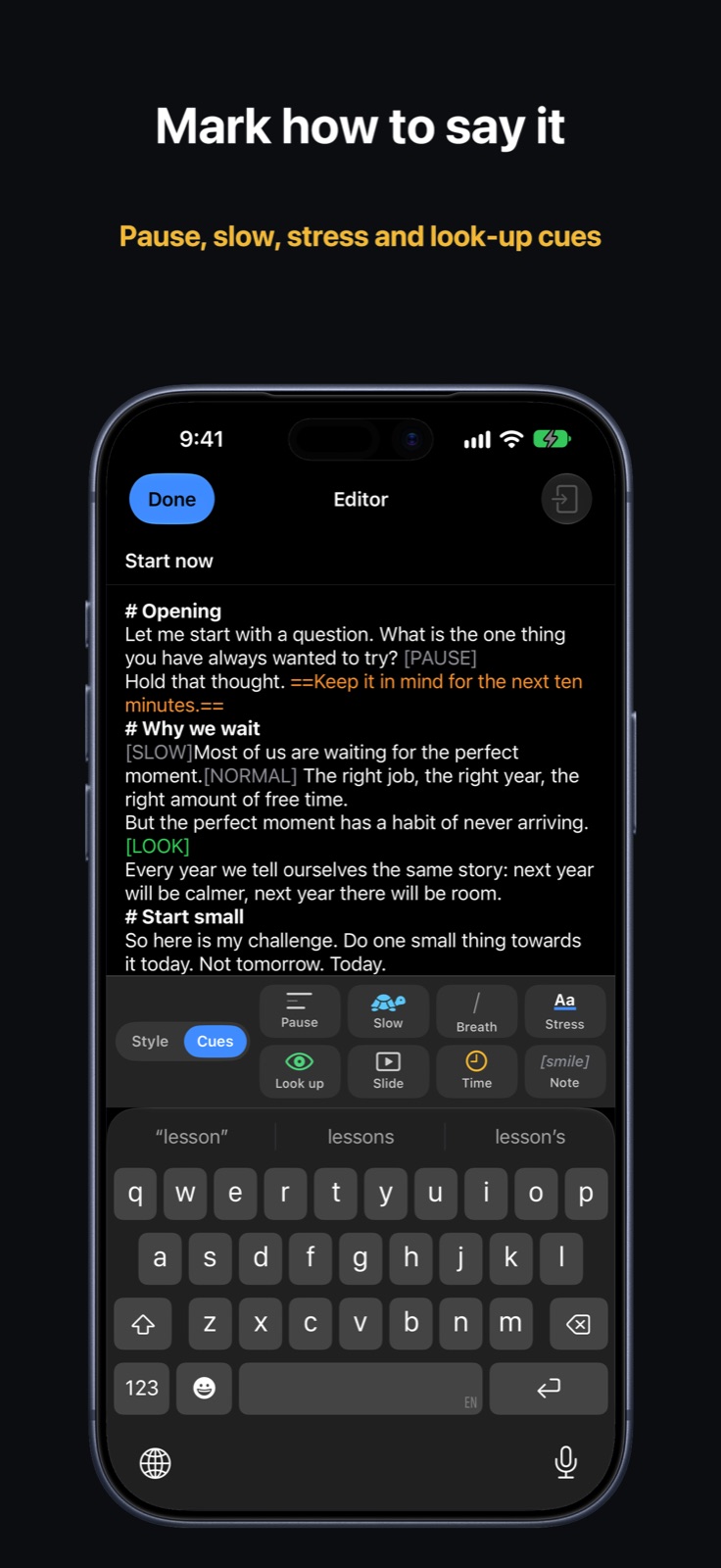
Add cues from the keyboard bar while you write. The prompter shows each one where you'll need it, and the scroll obeys them.
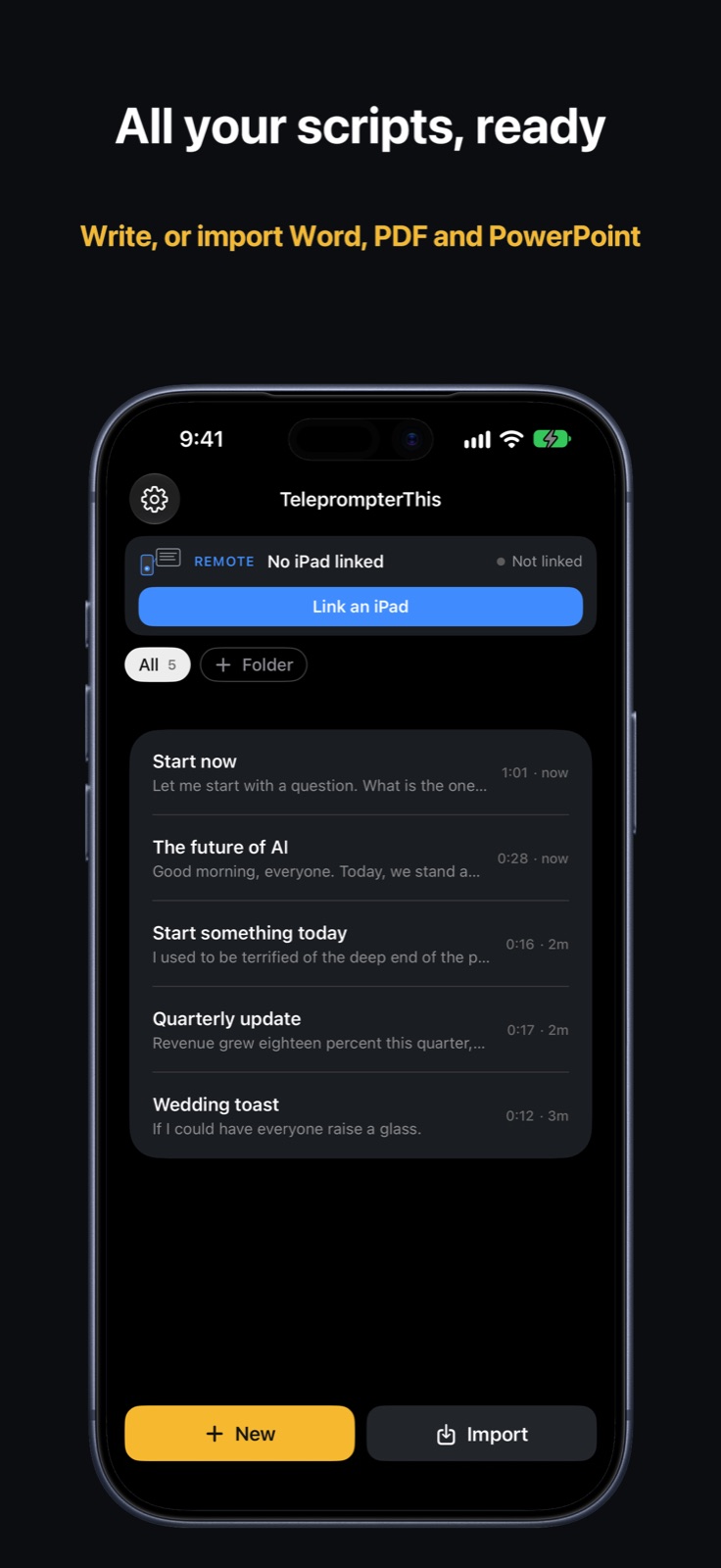
Bring scripts in from Word, PDF, Markdown or your PowerPoint presenter notes, each slide marked for your clicker.
Watch yourself back.
Record with the front camera while your words scroll over the picture. Takes save straight to Photos, so you can hear your pace, spot filler words and see how often you look up.
- Rehearse or Record, one switch away
- Start a take from the iPhone remote
Everyone reads at their own pace.
Give each presenter their own folders, speed, text size, spacing and read line. Open one of their scripts and the prompter sets itself up for them. A one-minute practice run finds the settings that suit a new reader.